Use web-ready files for the listing.
Curb Snap photography packages include MLS- and web-ready files and high-resolution downloads. Start with the web-ready set for your listing upload. Save the high-resolution set for brochures, larger prints, or any use where your designer asks for a larger original.
Check your MLS or brokerage requirements before uploading, especially for photo limits, branding, and edited images. Preview the listing on a phone to catch unexpected crops. Keep the original delivery together so you can make a fresh copy for a different use later.
Choose a cover photo buyers can read at a glance.
Pick a clear image that shows the home’s strongest feature, then check how its thumbnail crops. For a home with a distinctive front, a straight-on exterior gives buyers a point of reference. For a listing centered on an open kitchen and living area, a wide interior can show both in one frame if your listing platform allows it as the first image.
When acreage or an outdoor feature matters, pair an exterior with an aerial view early in the gallery. The brick home gallery shows how street-level photos and overhead views tell different parts of the story.
Put the gallery in the order buyers would walk it.
Start with the approach, then show how the entry leads to the main living spaces. Keep two views of the same room together so buyers can orient themselves. Follow with bedrooms, baths, and outdoor spaces. Use detail shots beside the wider photo that shows where each detail belongs.
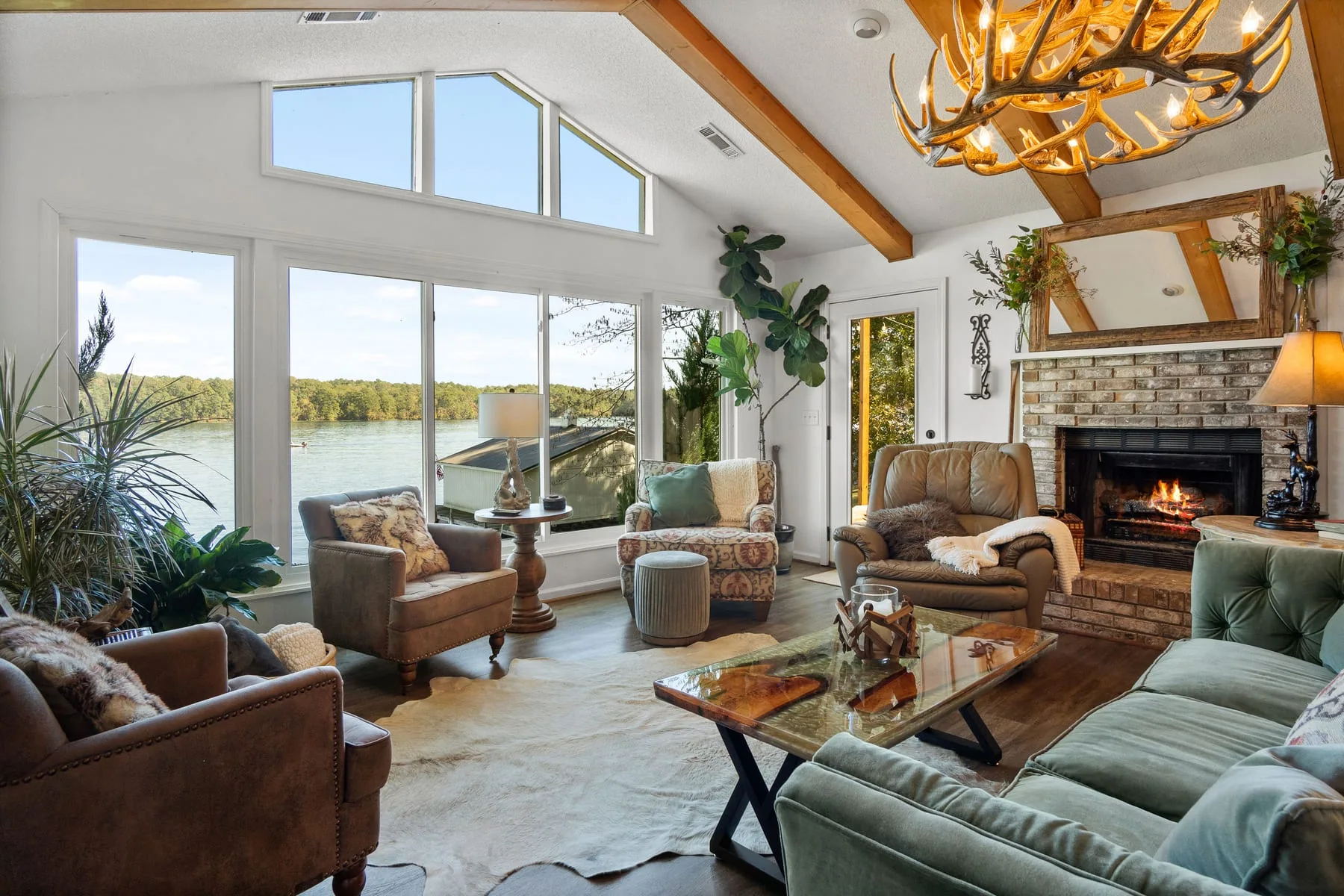
For a split-level or a home with a less obvious layout, include a measured floor plan where buyers can find it quickly, subject to your listing platform’s rules. The lakeside home gallery offers a room-by-room example.
Make separate selections for social and print.
Agents can use their purchased Curb Snap photos and videos on social media and in paid ads. A short social carousel can open with the strongest image, show two or three views that explain the home, and end with the showing details. If motion is central to the post, a vertical reel or property film can be planned before the shoot.
For a printed flyer, send your designer the high-resolution image along with your preferred crop. Before posting, check that the cover, gallery order, and any linked floor plan or video work on a phone. If you need particular file formats or video orientations, share those requirements when booking.